Computer science · Darija
Debug JavaScript and PHP step by step
Follow execution with DevTools and Xdebug to observe variables and test a hypothesis about a bug.
Original publication :

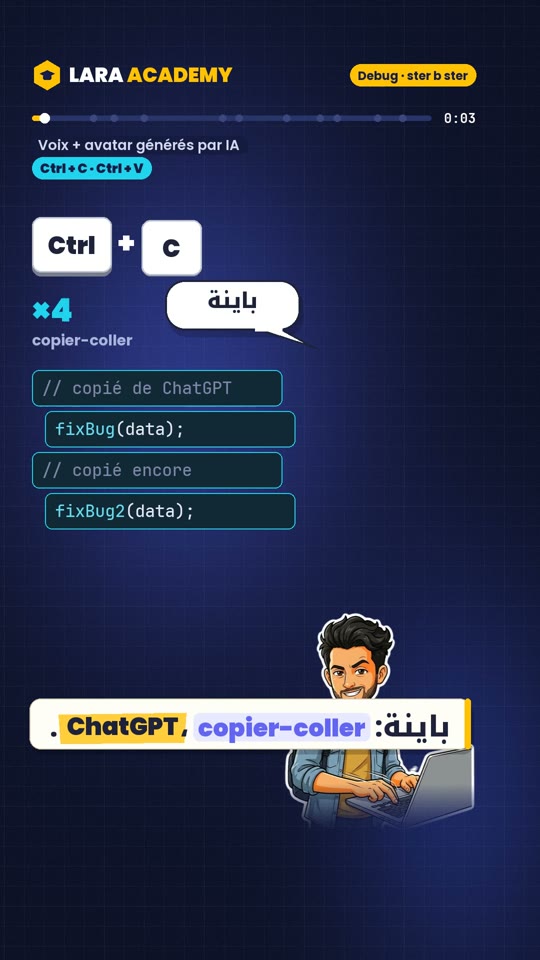
Debug JavaScript and PHP step by step

Sign in to save your playback position.
The interface language does not change the language of the videos. Each item shows its own language.
Understand and practise
Learning notes accompanying Mehdi Laraibi’s content for Lara Academy. The video is in Darija; these notes support your practice.
After this lesson, you can
- State the expected result and reproduce a bug in a small example.
- Set a breakpoint and compare variables before and after a statement.
- Change a hypothesis, then run the same case again to verify it.
A worked example
An error message or AI suggestion gives you a lead. Verify it by observing what the program actually does. The Reel’s method has 4 actions: reproduce the bug, state the expected result, set a breakpoint near the suspicious code and step through execution.
Consider swapping variables. Initially a is 5 and b is 3; a correct swap should leave a as 3 and b as 5. Open Sources in DevTools, set a breakpoint before a = b and run the code again. Pausing before a statement shows the state before it executes. Use Step over and watch a in Scope: after a = b, the original 5 is lost.
A temporary variable preserves the old value. In PHP, you can make the same observation using Xdebug and a configured debugging environment: a breakpoint alone is not enough without an active debugger connection. var_dump remains useful for a quick check; stepping helps identify exactly when a value changes.
// Bug: both values become 3
let a = 5;
let b = 3;
a = b;
b = a;

// Correction: start again with a = 5 and b = 3
a = 5;
b = 3;
const tmp = a;
a = b;
b = tmp; // a = 3, b = 5
Try it yourself
Predict the result of let total = "0"; followed by for (const price of [10, 20, 30]) total += price;. What change produces 60? Check with a breakpoint.
Show the answer
total starts as a string. The additions concatenate values, producing "0102030". Start with let total = 0; to obtain the number 60. Compare typeof total before and after the loop as well. A value that looks numeric does not necessarily have the number type.
Explore further
LARA / COMMUNITY
Let’s talk about it.
A question, an idea, some feedback: knowledge grows through conversation.
Loading the conversation…
The conversation
Sign in to participateLARA / STAY IN TOUCH
Your next useful idea, in your inbox.
Receive Lara Academy updates and content announcements. You choose to subscribe, then confirm your email address.